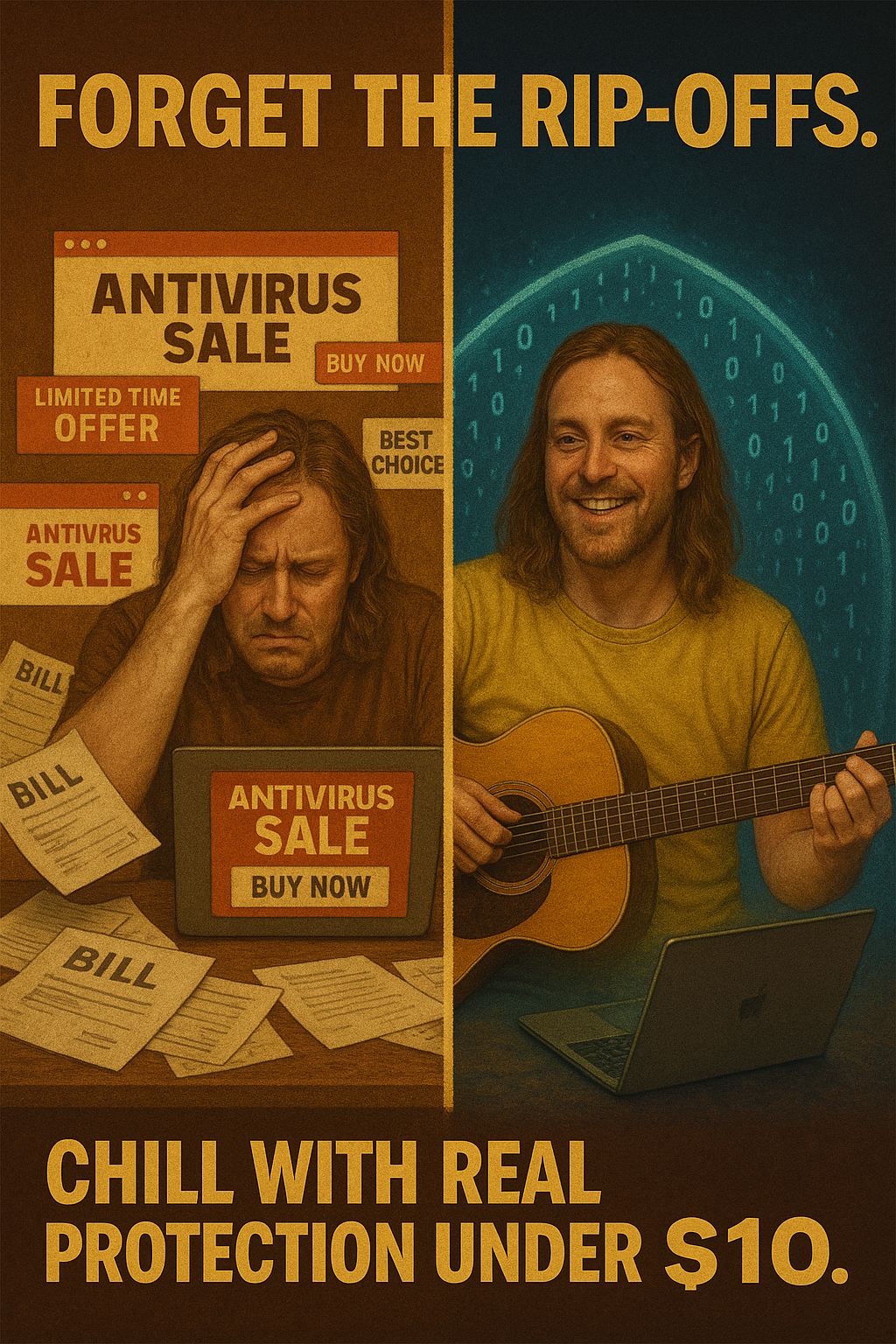
$10 or Less: The Best Cheap PC Protection Plans for 2025 (Tested & Ranked)
The Truth About Budget Cybersecurity in 2025
Forget the myth that effective PC protection has to be expensive. In 2025, the cybersecurity landscape has changed dramatically.
Thanks to advances in AI, streamlined pricing models, and modular security options, you can now get reliable protection for under $10 a month—without sacrificing quality.
The real question is no longer “Can I afford good protection?” but “Which affordable plan gives me the most complete security without weighing down my system or my wallet?”
Cybersecurity isn’t just for the big players or corporations anymore. With online threats becoming more targeted, personal users are the new frontier for hackers—and the stakes have never been higher.
Whether it’s your banking info, family photos, or sensitive emails, protecting your digital life is essential. And luckily, you don’t have to go broke doing it.
Why Protection Got Cheaper—And Smarter
This year, we’ve seen major shifts in how cybersecurity is delivered. As open-source tools and AI-powered engines became more mainstream, antivirus providers slashed prices and began offering stripped-down, high-performance plans. Many also adopted modular pricing, allowing users to pay only for what they truly need.
One of the biggest shifts? AI. Modern antivirus solutions now use machine learning to identify and stop threats before they hit.
No more relying on outdated virus signature databases. Instead, these tools analyze behavior and patterns in real-time to stop threats—even ones that have never been seen before.
What does this mean for you? It’s now possible to get powerful, lightweight defense against malware, ransomware, and phishing threats—without bloated features or upsells.
This democratization of security tools means everyday users now have access to the kind of digital protection that used to be reserved for big enterprises.
These cost-friendly tools are also ideal for people who just want simple, efficient coverage. You don’t need to be a tech genius to stay safe anymore.
The new wave of cybersecurity is designed for simplicity—and it’s all available for less than the cost of a fast-food meal.
Our Top Picks: The Best Cheap PC Protection Plans of 2025
We tested dozens of affordable cybersecurity plans and ranked the best based on real-world performance, ease of use, and overall value.
Our methodology included daily use simulations, stress testing against modern threats, and user feedback analysis.
What You Get: Real-time malware protection, zero-day threat detection, and browser isolation.
Why It Stands Out: Its adaptive AI firewall learns from your activity to block emerging threats in real time.
Who It’s For: Anyone who wants smart, set-it-and-forget-it protection.
GotBackup surprised us across the board. It runs quietly in the background, doesn’t hog resources, and has one of the most responsive dashboards we tested.
Their AI engine constantly evolves, adapting to new threats by learning from patterns across their entire user base.
It also features browser isolation—a powerful feature that creates a virtual sandbox to keep dangerous code from ever reaching your system.
2. SafeShell Home Basic – $4.95/month
What You Get: Phishing defense, anti-rootkit tools, and a family-safe browser sandbox.
Why It Stands Out: Built for families—it’s intuitive, customizable, and protects multiple users under one account.
Who It’s For: Parents or multi-user households who need secure browsing for everyone.
SafeShell focuses on creating a safe space for families to browse the web. From age-appropriate content filters to simple reporting tools, it gives parents peace of mind without making the experience restrictive or complicated.
It’s also great for shared PCs, allowing you to create multiple user profiles with customized safety settings.
3. CyberHaven Core Defense – $8.50/month
What You Get: Webcam and mic blocking, encrypted email scanning, and ransomware reversal.
Why It Stands Out: It blends heuristic detection with behavior-based analytics for extra resilience.
Who It’s For: Power users who want smart coverage without premium bloat.
CyberHaven comes packed with powerful features. Its ransomware rollback feature can restore files encrypted during an attack—making it invaluable for people who store important documents locally.
The webcam and mic blockers add an extra layer of privacy, and its encrypted email scanning keeps you safe from phishing attempts and malicious links.
4. ProtectIQ MicroPlan – $3.99/month
What You Get: VPN features, tracker blocking, and reliable real-time scanning.
Why It Stands Out: Lightweight and lightning fast—it’s ideal for older devices or casual users.
Who It’s For: Budget-conscious users who still want protection that works.
Don’t let the low price fool you. ProtectIQ is lean, efficient, and does its job without any fuss. It’s the kind of tool you install once and forget about—until it saves your day.
Perfect for older laptops or low-spec machines, it offers just the right mix of essentials without slowing things down.
How We Tested Each Plan
Our testing spanned 60 days, during which we:
Simulated phishing, ransomware, and zero-day attacks
Measured boot times and background CPU usage
Evaluated user experience, alerts, and dashboards
Audited privacy settings and telemetry opt-outs
We tested under both default and custom configurations to mimic how everyday users interact with their tools.
Every plan was judged not just on technical protection but also on how user-friendly, trustworthy, and non-invasive it felt.
In addition to simulated attacks, we looked at how often the software updated its definitions, how well it handled false positives, and whether it offered clear, timely notifications.
Usability played a huge role. After all, what good is protection if you can’t understand it or configure it properly?
When a Cheap Plan Isn’t Enough
There are situations where you might want to invest in more advanced protection:
Enterprise setups: Require EDR, SIEM, and centralized controls.
At-risk professionals: Journalists or financial workers may need end-to-end encryption.
Multi-OS households: Some budget plans only support Windows—cross-platform users should double-check.
We always recommend starting with a budget solution and upgrading only if your situation demands it. For most home users, these $10 plans offer more than enough coverage.
The Surprise Standout: GotBackup
What impressed us most? GotBackup delivered performance and protection that rivals some $50/year plans. Its real-time responsiveness and intelligent firewall made it feel premium, without the price tag.
It consistently blocked complex threats in our testing and offered some of the most customizable settings.
The dashboard was clean, alerts were informative, and it didn’t try to upsell us at every turn. It’s the kind of tool that feels both smart and honest.
It’s a reminder that price doesn’t always equal quality—smart tools and smarter engineering can deliver top-tier safety for less.
For many users, GotBackup is more than enough—and it proves that being safe online doesn’t have to break the bank.
Frequently Asked Questions (FAQs)
Can I trust a $5 antivirus to keep me safe? Absolutely—many use the same detection engines as big-name brands. Look for independent test results and clear privacy policies.
Will these plans slow down my PC?
Not the ones on this list. In fact, they’re some of the most resource-friendly tools we tested.
What’s wrong with free antivirus software?
It’s fine for basic protection, but lacks critical features like ransomware rollback and real-time scanning.
How often should I scan my system?
Run a full scan weekly and make sure real-time protection is always on.
Can I install these on multiple devices?
Some plans like GotBackup offer family sharing. Others may be single-device only—check the fine print.
Do these plans work on Mac or mobile?
Many are Windows-focused. If you use Mac, Android, or iOS, make sure the provider supports your platform.
Are cheap plans secure enough for online banking? Yes—if they offer encrypted traffic scanning and phishing protection, they’re solid for financial use.
Products / Tools / Resources
GotBackup –Help others protect their families and get paid for it!
SafeShell Home Basic – Best for families and kids
CyberHaven Core Defense – Advanced protection without high costs
ProtectIQ MicroPlan – Great for solo users on older PCs
AV-Comparatives.org – Independent antivirus test results
VirusTotal.com – Free threat detection and file scanning tool
HaveIBeenPwned.com – Check if your email has been part of a data breach